
Conference Room Systems
Stop wasting the first 10 minutes of every meeting trying to get the display to work. We build one-touch meeting rooms that work every single time.
Conference Room Systems Overview
We design and install seamless Microsoft Teams Rooms and Zoom Rooms that work with one touch. Walk in, tap the screen, and your meeting starts. No dongles, no driver issues, no fumbling with HDMI cables while everyone on the call watches you struggle. We specify the right hardware for your room size, run clean cabling, configure everything, and train your team. Meetings that just work — every time.
We specify equipment based on your room size, shape, and usage patterns. A 4-person huddle room doesn't need the same setup as a 20-person boardroom. We get the right gear in the right room and make sure it works perfectly.
Conference Room Features
- Microsoft Teams Room (MTR) deployments
- Zoom Room configurations
- Professional audio with echo cancellation and noise reduction
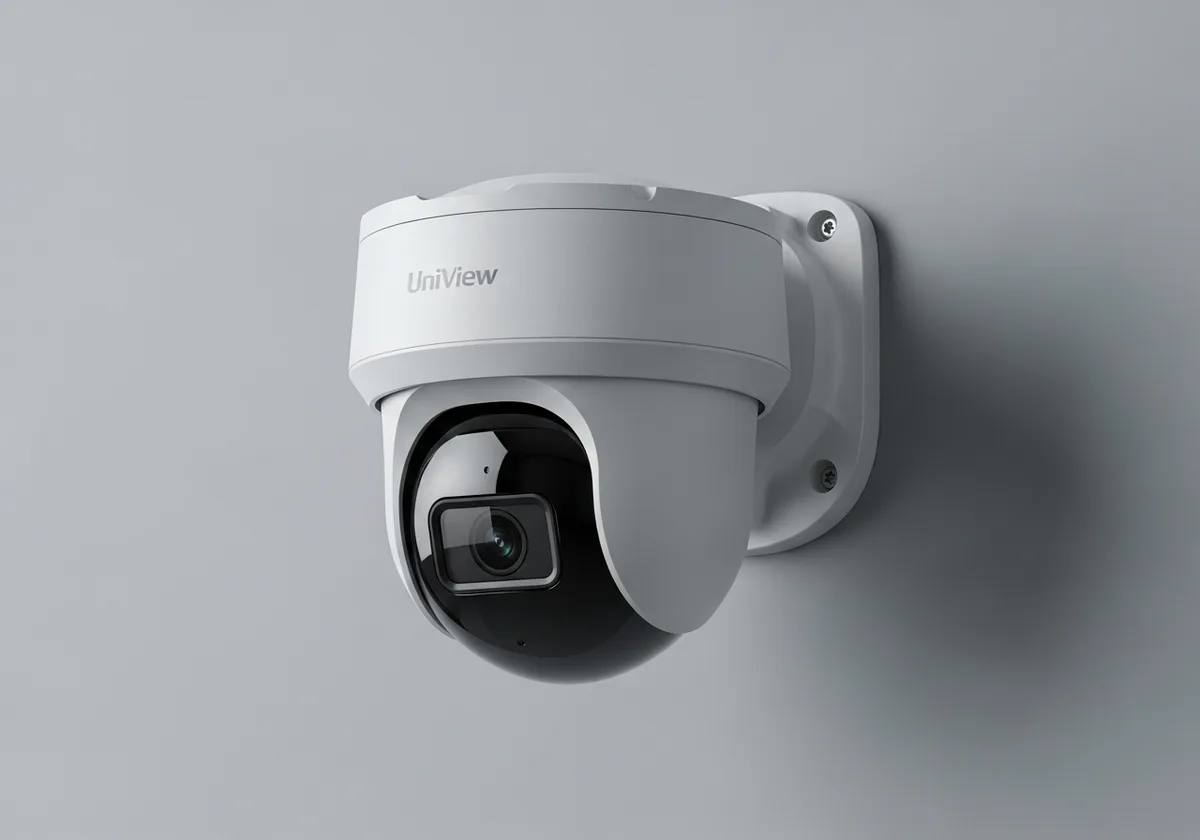
- 4K cameras with intelligent framing and speaker tracking
- Wireless content sharing for BYOD
- Room scheduling displays and occupancy sensors
Who This Is For
Frequently Asked Questions
Teams Rooms or Zoom Rooms?
Depends on what your organization uses. We deploy both. If you're a Microsoft 365 shop, Teams Rooms is the natural fit. If you're Zoom-heavy, we'll configure Zoom Rooms. We can even do dual-platform rooms.
What does 'one-touch join' actually mean?
It means you walk into the room, tap one button on a touchscreen controller, and you're in your meeting. Camera on, microphone on, display shared. No laptop connections, no adapters, no 'hold on let me share my screen.'
Can you upgrade our existing conference rooms?
Absolutely. We assess what you have, what you need, and recommend the most cost-effective path. Sometimes it's a full system replacement; sometimes it's adding a better camera and microphone to what you already have.